# Six things I check before trusting an AI-built app in production
Mik Bry · 2026-07-22 · ~10 min read · AI · Security
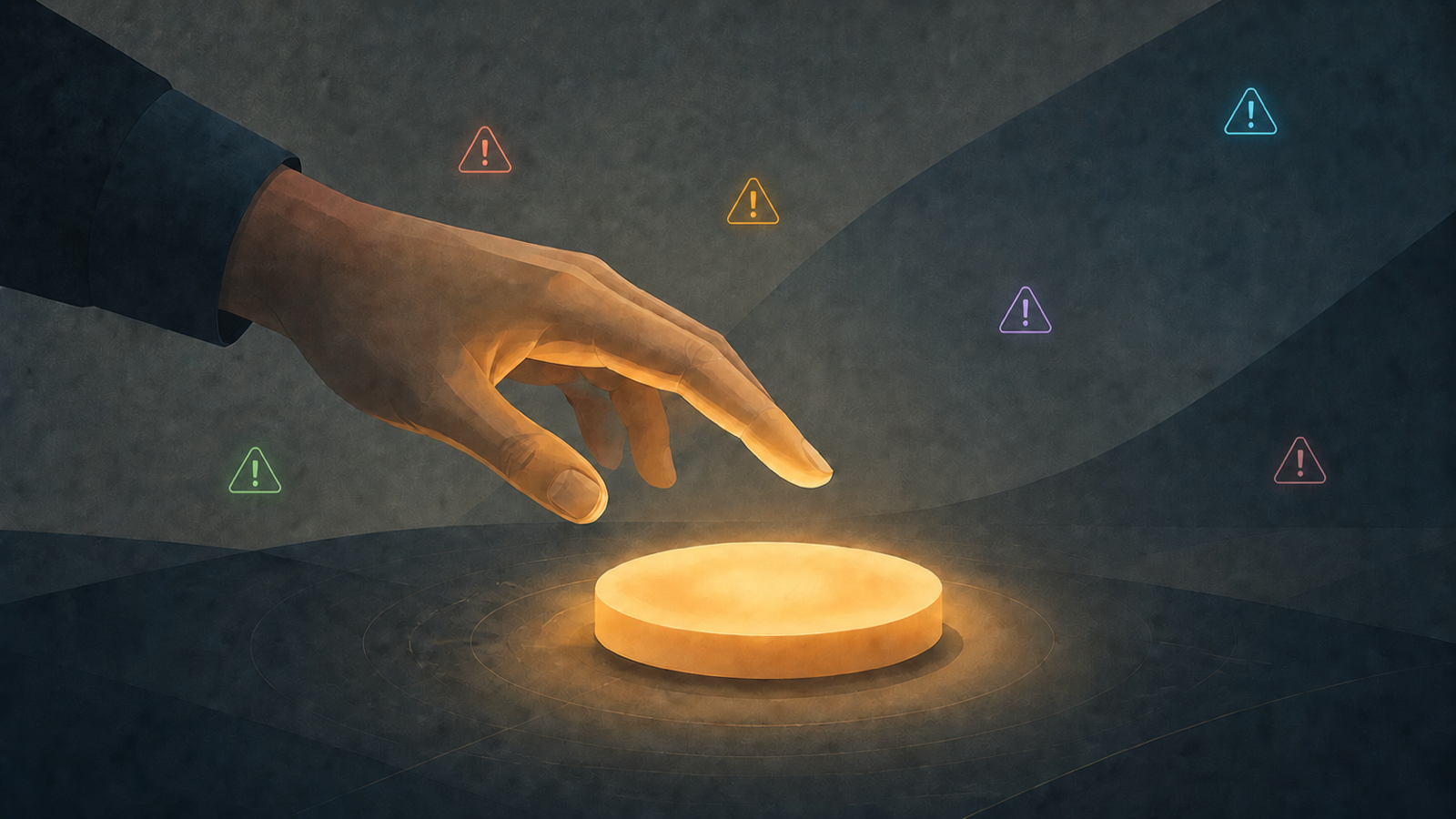
Your app works. Pages load, sign-up works, the payment screen appears, and the demo looks convincing.
That is useful. It is not the same as being ready for production.
The questions change as soon as real users, real money and real data enter the picture. I stop asking only whether the normal path works. I start asking what happens when someone changes a number in a URL, a payment fails halfway through, a script creates hundreds of accounts, a private key becomes visible to visitors, or the interface says “success” while nothing actually happened behind it.
AI did not invent these problems. I made some of the same mistakes years before AI wrote code for me. What AI changes is the speed: you can now reach a convincing product much faster, including the parts nobody has really challenged yet.
These are six things I check early.
The six checks
1. [Payments work — but only on the expected path](#s1)
2. [The server trusts the browser](#s2)
3. [Nothing slows abuse down](#s3)
4. [Secrets leak into places they should not](#s4)
5. [The database may not protect one customer from another](#s5)
6. [Failure looks like success](#s6)
01 — Payments work — but only on the expected path
A checkout can look finished while the payment system is not.
The obvious checks are still worth doing: are you using the payment provider's test setup or the real one? Does the provider's confirmation come back to your app? Does your app record the final result correctly?
But I do not stop at the Stripe screen.
I also look for every other way the app can mark an account as paid, create or upgrade a subscription, unlock access, or change someone's billing status. A clean Stripe integration does not help if another hidden route in the app can produce the same result without the same checks.
A safe first check
Open your payment provider dashboard and confirm whether the environment is test or live. In test mode, use the provider's published test cards and verify that the application records both successful and failed payments correctly. If you are already live, plan a small refundable transaction rather than experimenting with a real customer charge.
Passing this check does not prove the payment system is safe. It tells you whether the most obvious path is wired correctly.
Reference: Stripe — Go-live checklist covers test/live configuration, production webhooks, duplicate or delayed events, API keys and edge cases.
02 — The server trusts the browser
Your interface knows which invoice, project or account you are looking at. That does not mean the server has checked whether you are allowed to see it.
The classic version is simple: you open `/invoice/42`, change `42` to `41`, and the application returns someone else's invoice.
Your app should never assume that something is trustworthy just because it came from the visitor's browser. Visitors can change what their browser sends.
A safe first check
Create two test accounts that you control. Log in as one of them and try to open something belonging to the other by changing the number or code in the URL. A safe application refuses. If it returns the other account's data, stop there. You have already found the problem.
Reference: OWASP — Insecure Direct Object Reference Prevention recommends this same type of check: use two accounts and verify that one cannot access objects belonging to the other by changing an object reference.
03 — Nothing slows abuse down
A form that works once can sometimes be called ten thousand times.
Sign-up is the obvious example, but the same problem applies to password reset, invitations, file uploads, sending emails, one-time login codes, and features connected to an AI provider.
The AI case deserves special attention. If your app sends requests to OpenAI, Anthropic, Mistral or another provider using your account, an attacker may be able to use your app as a relay and trigger paid requests at your expense. A badly protected AI feature can therefore turn abuse into a very real bill.
Without checks that slow repeated or suspicious use, a feature that looks harmless during a demo can become expensive very quickly.
A safe first check
Use only accounts and addresses you control and repeat the same action several times. Does anything slow you down, ask for confirmation or reject obvious repetition? If nothing ever pushes back, that is worth reviewing — especially on features that cost you money every time they are used.
Reference: OWASP API Security — Unrestricted Resource Consumption recommends rate limiting and provider spending limits because repeated API calls can consume paid resources and create business impact.
04 — Secrets leak into places they should not
Private access keys copied into files that were accidentally shared with the source code. Database passwords showing up in technical logs. A live payment key sent to every visitor's browser. These mistakes are still common because the app can appear to work perfectly while they remain invisible.
AI tools can connect services very quickly. That does not mean they always put the private keys in the right place.
A safe first check
Ask where the private keys used for payments, the database, email and AI services are stored, and whether any of them are sent to a visitor's browser or included in code that other people can see.
You can also look at what your browser receives for obvious leaks, or ask a technical person to do it. Finding nothing does **not** prove your secrets are safe; this only catches the easiest mistakes.
References: OWASP — Secrets Management explains why API keys and database credentials should not be hard-coded or scattered through configuration files. GitHub — Secret scanning documents the risk of exposed API keys, passwords and tokens in repositories.
05 — The database may not protect one customer from another
A polished interface can hide a serious problem: the screen only shows your own data, but the system behind it may still allow access to someone else's.
Services such as Supabase can enforce rules directly where the data is stored: for example, “this customer can only read their own records.” Other systems enforce the same rule elsewhere.
The technology is not the important part. What matters is that the protection exists somewhere the visitor cannot simply bypass.
A safe first check
Open the security section of your database or hosting service and look for warnings about customer-data access. If you use Supabase, its Security Advisor and row-level security checks are good places to start. Then test with two accounts you control: one account should never be able to read the other's data.
> **My tip:** tools such as Supabase are very convenient when you want to build quickly. They give you a database, login system, file storage and other services in one place.
>
> For a product that I expect to grow, I usually prefer to keep the database more independent from the rest of the stack. In practice, that means using a managed PostgreSQL service such as Neon or AWS and letting the application talk to it through its own server.
>
> Why? Because if the product succeeds, you may want to change how login works, move part of the application, add another service, or simply control database costs separately. Keeping the database independent gives you more freedom later.
>
> This does **not** mean Supabase is a bad choice or always more expensive. It is often an excellent way to build an MVP. My point is simply that convenience at the beginning can become dependence later, so I prefer to make that choice consciously.
References: Supabase — Row Level Security says RLS is enabled by default for tables created with the Dashboard Table Editor, while tables created with raw SQL or the SQL Editor need RLS to be enabled explicitly. Supabase also says RLS should be enabled on tables in exposed schemas. Its Production Checklist recommends reviewing Security Advisor findings and enabling RLS with appropriate policies before production.
06 — Failure looks like success
This one is easy to miss because the interface can look perfect.
The payment screen says success, but nothing was recorded. The contact form turns green, but the message was never sent. The upload finishes, but the file is missing. The screen has finished its animation while the real operation behind it failed.
In AI-built applications I review, failures are often tested much less than the normal, successful path.
A safe first check
Use harmless invalid inputs and situations designed to fail. Submit an empty upload. Enter a negative value where only positive values make sense. Try a payment test that is supposed to be rejected. The app should refuse clearly, without leaving half-finished data behind.
A green message is not evidence that the operation succeeded.
References: OWASP — Input Validation recommends validating both the format and the business meaning of incoming values. OWASP — Error Handling recommends explicitly handling failure cases rather than leaving the application in an unpredictable state.
## Before you launch
Ask six simple questions:
- **Payments:** has the real payment state been verified, including failure cases and adjacent paths that grant paid access?
- **Access:** can one test account open data belonging to another?
- **Abuse:** what stops an automated script from repeating an expensive or sensitive action — especially one that calls an AI service you pay for?
- **Secrets:** do you know where your production keys are stored and who or what can read them?
- **Data:** is there a rule, outside the visitor's control, that keeps one customer's data separate from another's?
- **Failures:** when an operation fails, does the product actually fail safely instead of only changing the UI?
If one answer is “I don't know,” you have found something to investigate. You have not necessarily found a catastrophe.
That distinction matters.
If you want to go further
I review AI-built and vibe-coded applications before they go into production.
Start here
Trust Report
An automated review of your app and its code, using my analysis tools. You get the main risks, what deserves attention before launch, and what can wait. If you want to discuss the findings, a review with me is available as an option.
Audit — need a deeper look?
Architecture, payments, access, customer data, deploy-key custody, third-party software + a documented launch recommendation from a human CTO.
from €1,200
Talk to Mik
The six checks above are a useful first pass. They can catch obvious problems, but they cannot show you what you do not yet know to test.
If the app is about to handle real users, real money or sensitive data, that is precisely where an experienced technical review becomes useful.